The Wax panel
The window that comes with Wax: your mods, the log, a Lua command bar, performance, icons and settings.
Wax comes with one window of its own, called Wax. Press F8 and it is there. It has five pages.
The line along the bottom is always visible. It says how many mods loaded and whether there are errors. On the right it shows the frame rate and what Wax costs per frame.
Mods
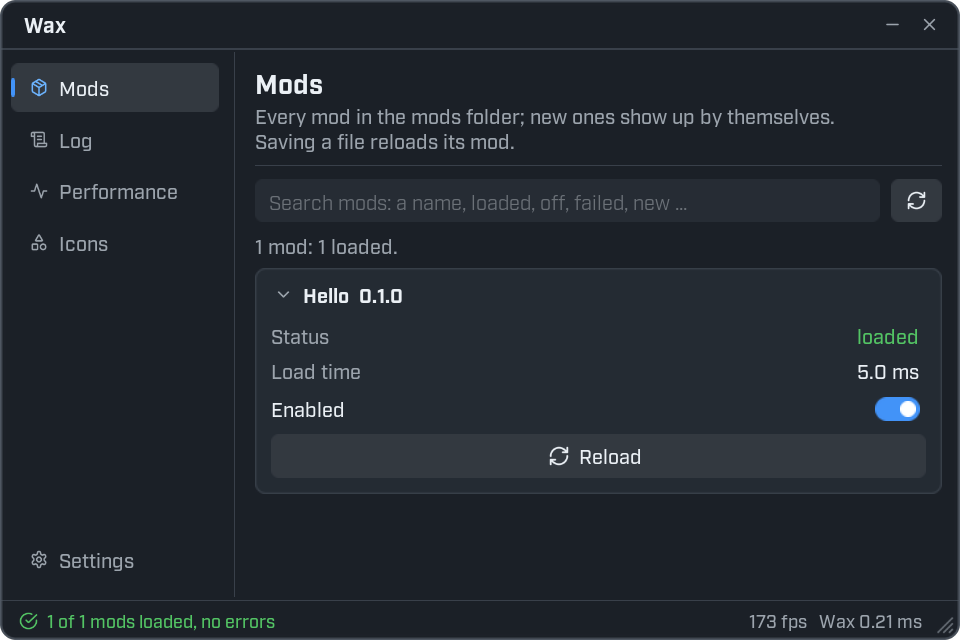
Every mod in the mods folder has a card here.
- Status is
loaded,switched offorfailed. A failed mod shows its error in red underneath. - Load time is how long the mod took to start.
- Enabled switches the mod off and on. Wax remembers the choice.
- Reload starts the mod again from the top.
The search box filters the list. Type part of a name, or one of these words: loaded, off, failed, new.
A mod you add while the game runs is listed as new and switched off. Flip Enabled to load it.
Log
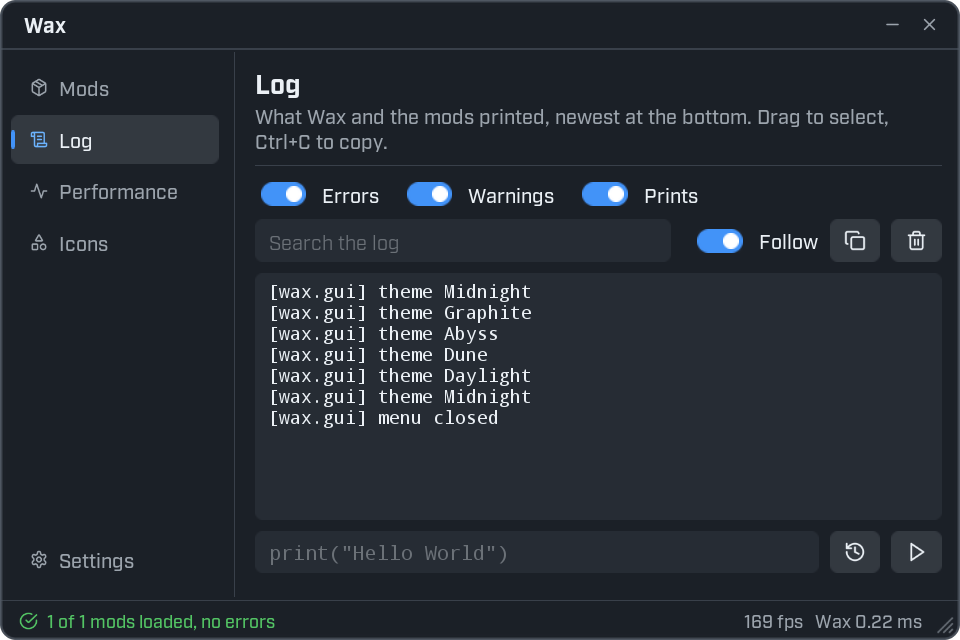
The log shows what Wax and your mods printed. The newest line is at the bottom.
- The Errors, Warnings and Prints switches choose which lines show.
- The search box keeps only lines that contain your text.
- Follow keeps the newest line in view. Switch it off to read older lines in peace.
- Drag across lines to select them. Ctrl+C copies. Ctrl+A selects everything.
- The copy button copies every line that is showing.
- The clear button empties the view. Nothing is lost: the lines are only hidden.
Each line starts with who wrote it, in square brackets. Lines from your mod start with your mod's id.
The command bar
The box at the bottom of the Log page runs Lua in the game. Type a line and press Enter.
print("Hello World")If you type something that has a value, the log shows the value after an = sign.
game.MapName1 + 1More to try:
ui.Notify("Hi from the command bar")This one needs a character, so run it in a prospect. It lists the parts your character is made of.
for i, child in ipairs(game.Character:GetChildren()) do print(i, child) endThings that make the command bar quick to use:
- Tab completes names. Type
game.Chand a greyaracterappears. Press Tab to take it. Press Tab again for the next name that fits. - Tab after a dot lists what is there. Type
game.and press Tab. The log lists the names you can use. - The history button brings back the last command. Click again for the one before.
- The run button does the same as Enter.
- Commands can wait.
task.wait(2) print("later")works.
The command bar knows everything a mod knows (game, ui, task and so on), plus three extras:
| Name | What it is |
|---|---|
mods.Hello | The globals of the mod with the id Hello. |
exports.Hello | What that mod's init.lua returned. |
clear() | Removes everything your commands made, such as windows and signal connections. |
require does not work in the command bar. Reach a loaded mod through mods or exports instead.
Performance
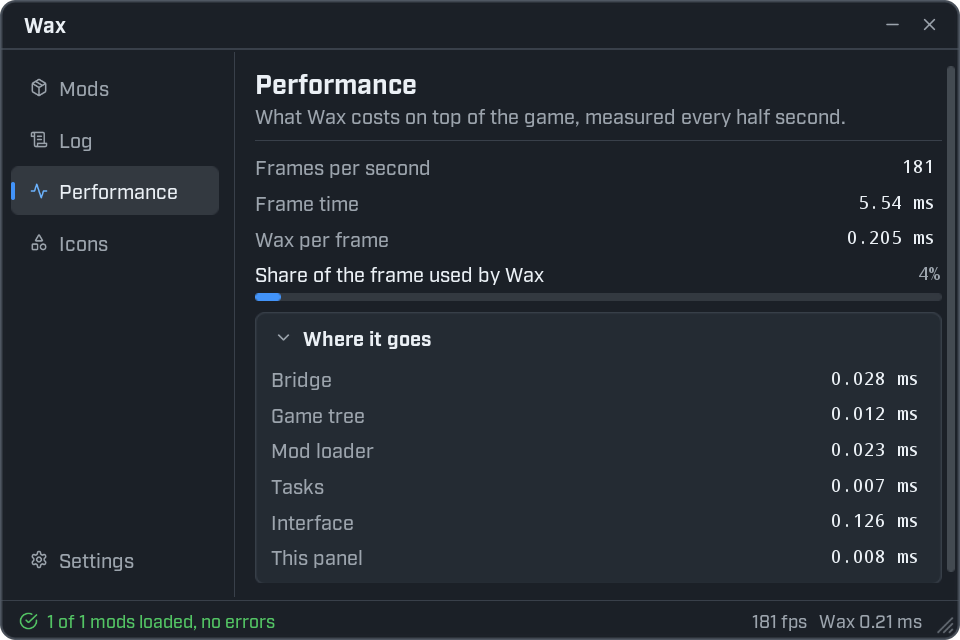
This page answers one question: is Wax slowing the game down?
- Frames per second and Frame time are the game's.
- Wax per frame is the time Wax and all mods use in each frame.
- Where it goes splits that time between the parts of Wax. Tasks is where the waiting and repeating code of your mods shows up.
The numbers are measured again every half second.
Icons
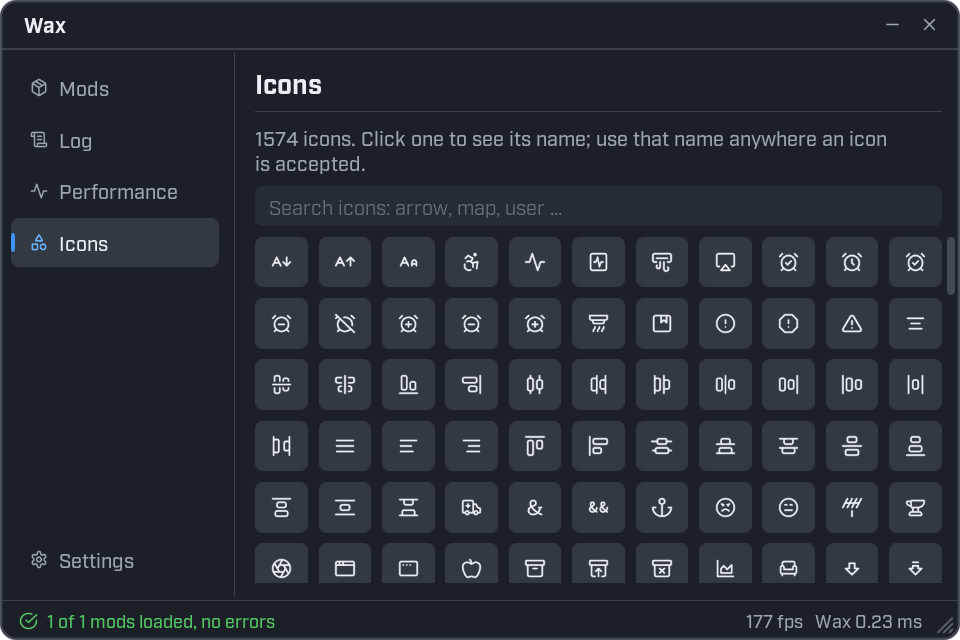
Every icon you can use, in one grid. Type in the box to search. Click an icon and a notification shows its name. Use that name anywhere an icon is accepted. See Icons.
Settings
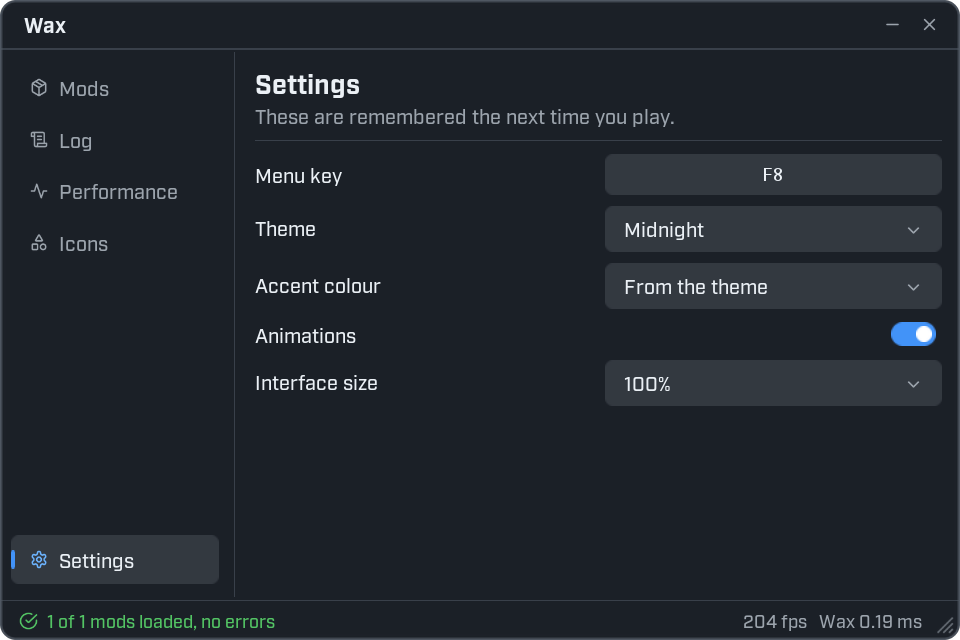
| Setting | What it does |
|---|---|
| Menu key | The key that opens the menu. Click it, then press a new key. |
| Theme | The colours of every window. See Themes. |
| Accent colour | The highlight colour. From the theme uses the theme's own. |
| Animations | Switches the small movements on and off. |
| Interface size | Makes everything larger or smaller. |
These settings are remembered the next time you play.
Add your own page
A mod can add a page to the Wax panel. It is a good home for tools you use while testing.
local page = ui.Debug.Page("My mod", { icon = "wrench" })

page:Title("My mod", "Tools for testing.")

page:Button("Say hi", function()
    ui.Notify("Hi from my page.")
end)

page:Button("Print the map", function()
    print(game.MapName)
end)
The page goes away when your mod reloads, and comes back when init.lua runs again.
Write ui.Debug.Page with a dot, not a colon.
| Function | What it does |
|---|---|
ui.Debug.Page(name, options) | Adds a page and returns it. Add controls to it as you would to a window. |
ui.Debug.Show() | Opens the menu and shows the Wax panel. |
ui.Debug.Window() | The panel's window, or nil while the panel is not running. |