Lua mods for ICARUS
Wax is a Lua scripting framework for ICARUS. A mod is a folder with one Lua file. Save the file and the mod reloads in the running game.
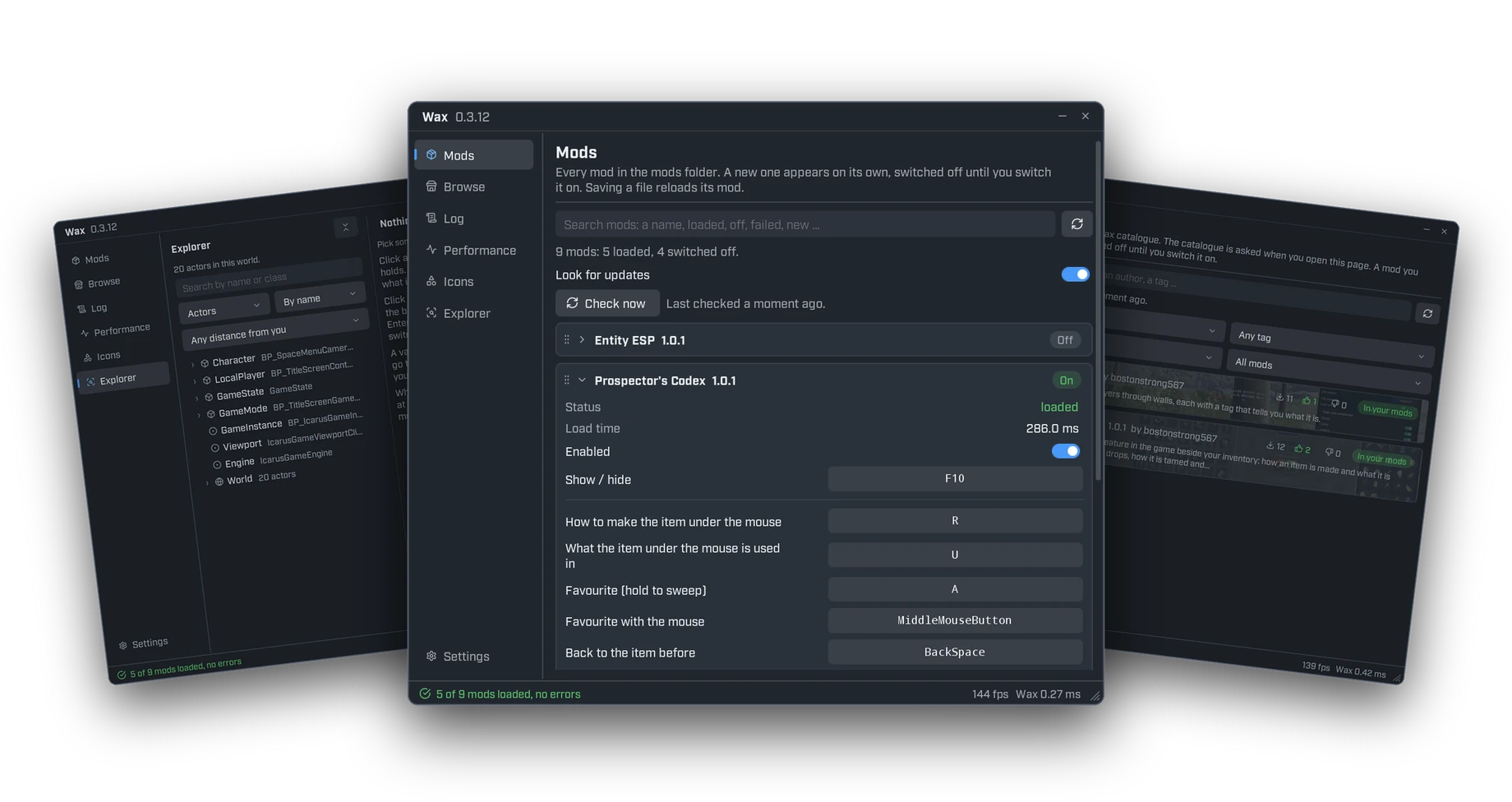
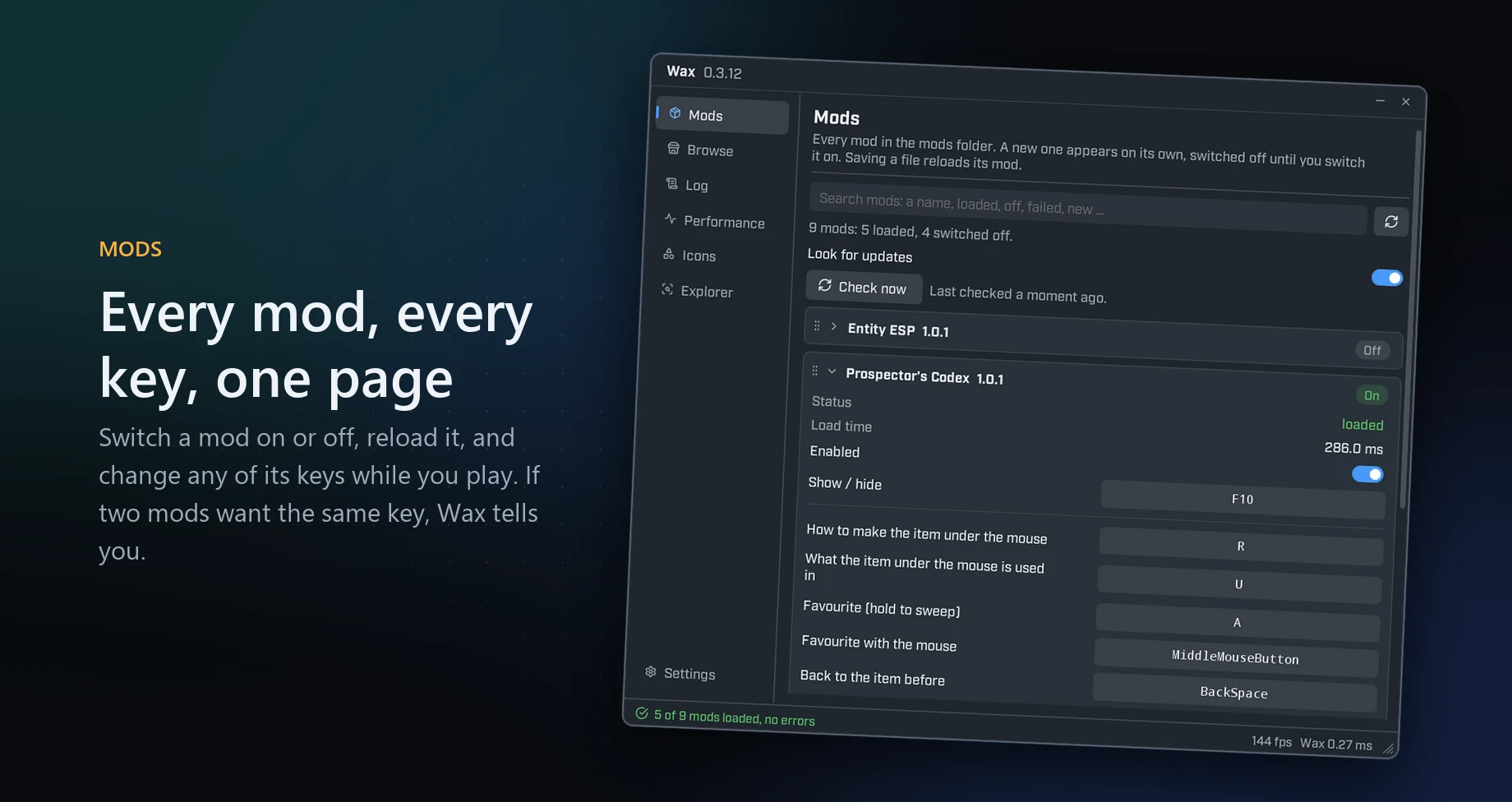
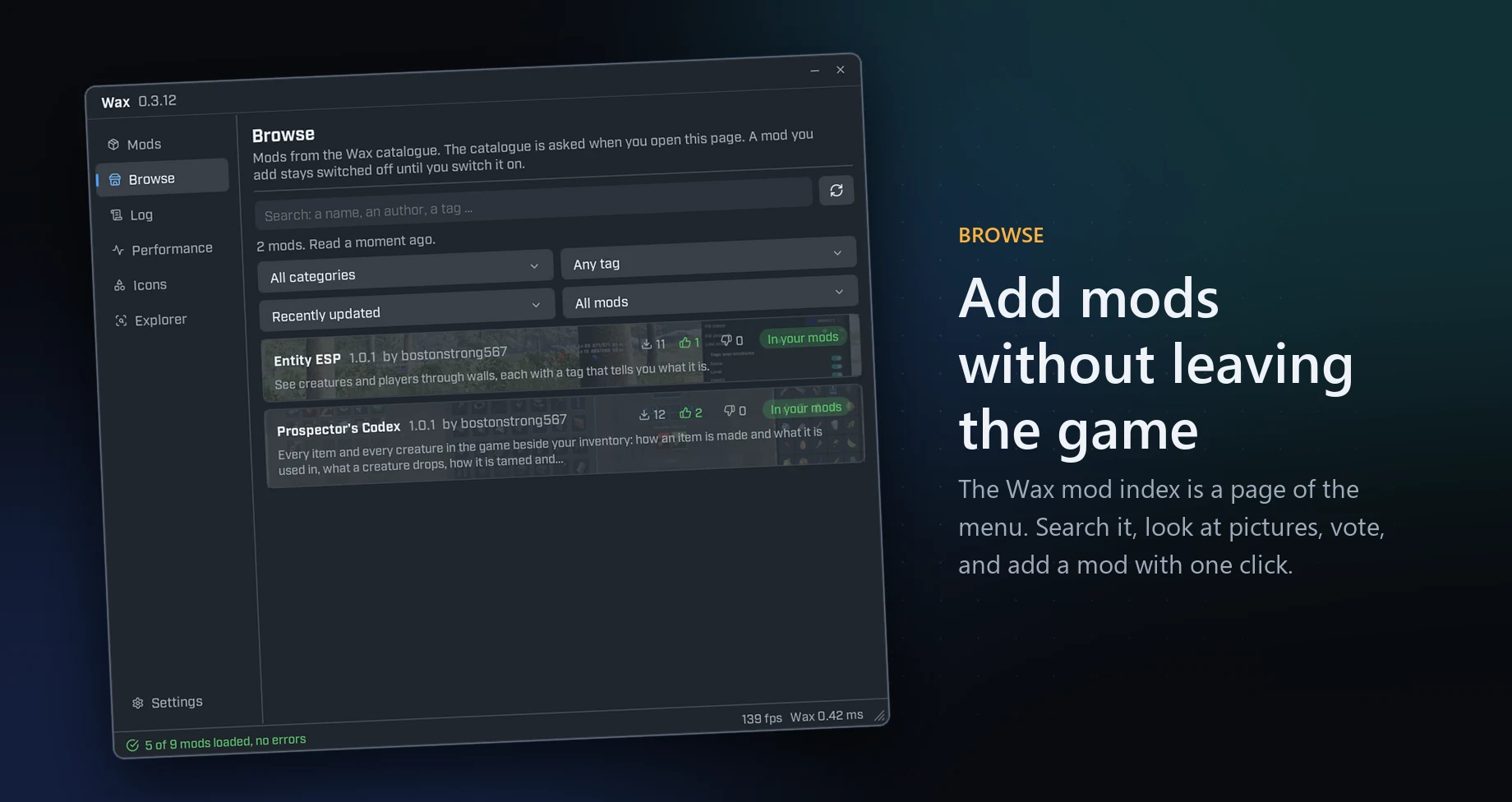
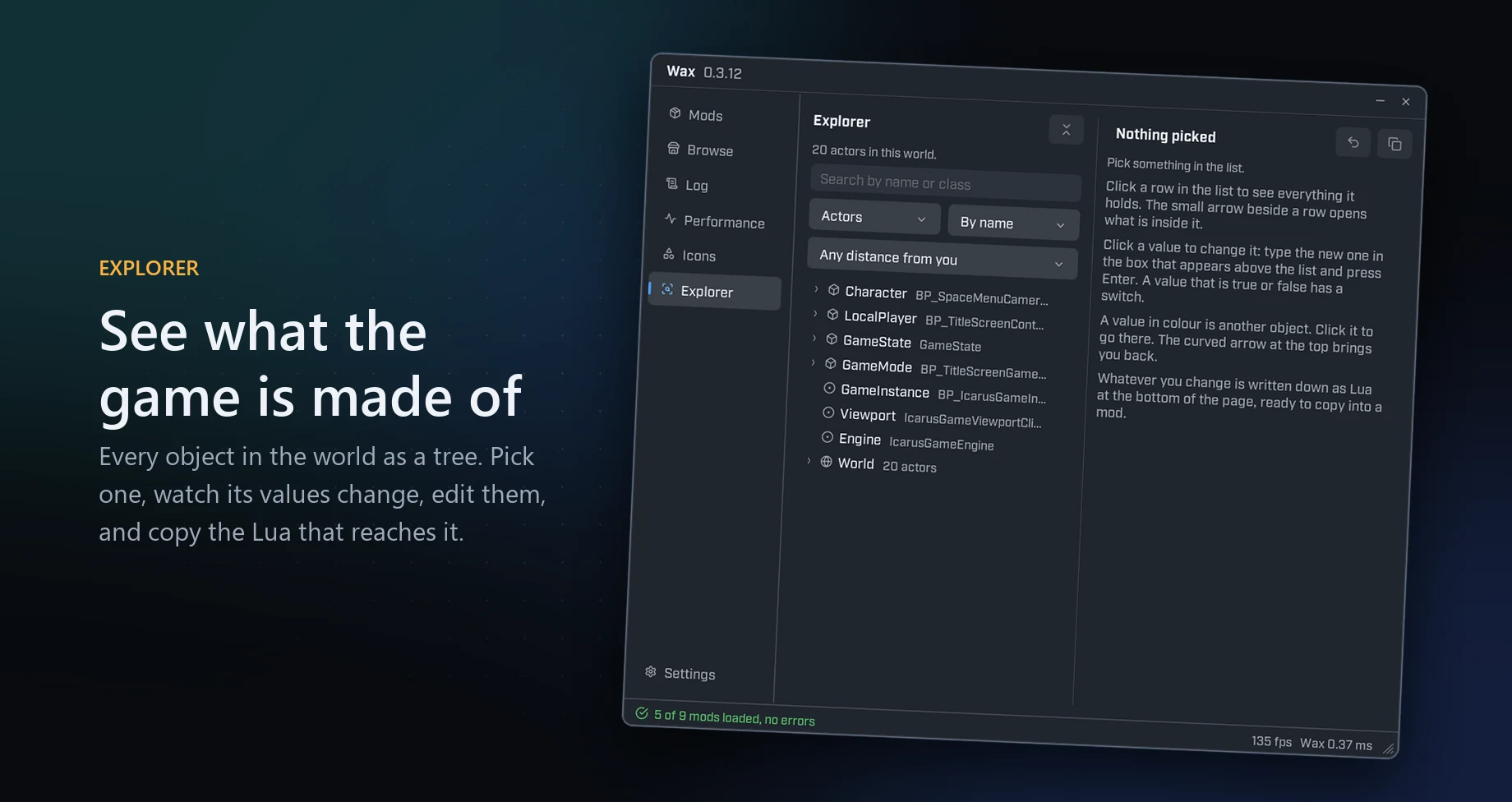
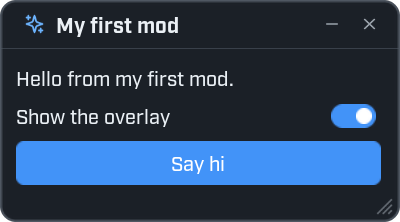
This file, saved as init.lua
local window = ui.Window({
    title = "My first mod",
    icon = "sparkles",
    width = 300,
    height = 170,
})

window:Label("Hello from my first mod.")

window:Toggle("Show the overlay", true, function(on)
    print("overlay", on)
end)

window:Button("Say hi", function()
    ui.Notify("Hi from my first mod!", { kind = "good" })
end, { primary = true })
makes this window in the game
Reload on save
You do not restart the game. No other program has to run.
Windows and controls
Windows with buttons, switches, sliders and lists. Overlays and notifications that show while you play.
The game tree
Start at game and reach the world, the player and every object in it.
Tasks and signals
Wait, repeat and react to events without freezing the game.
A panel inside the game
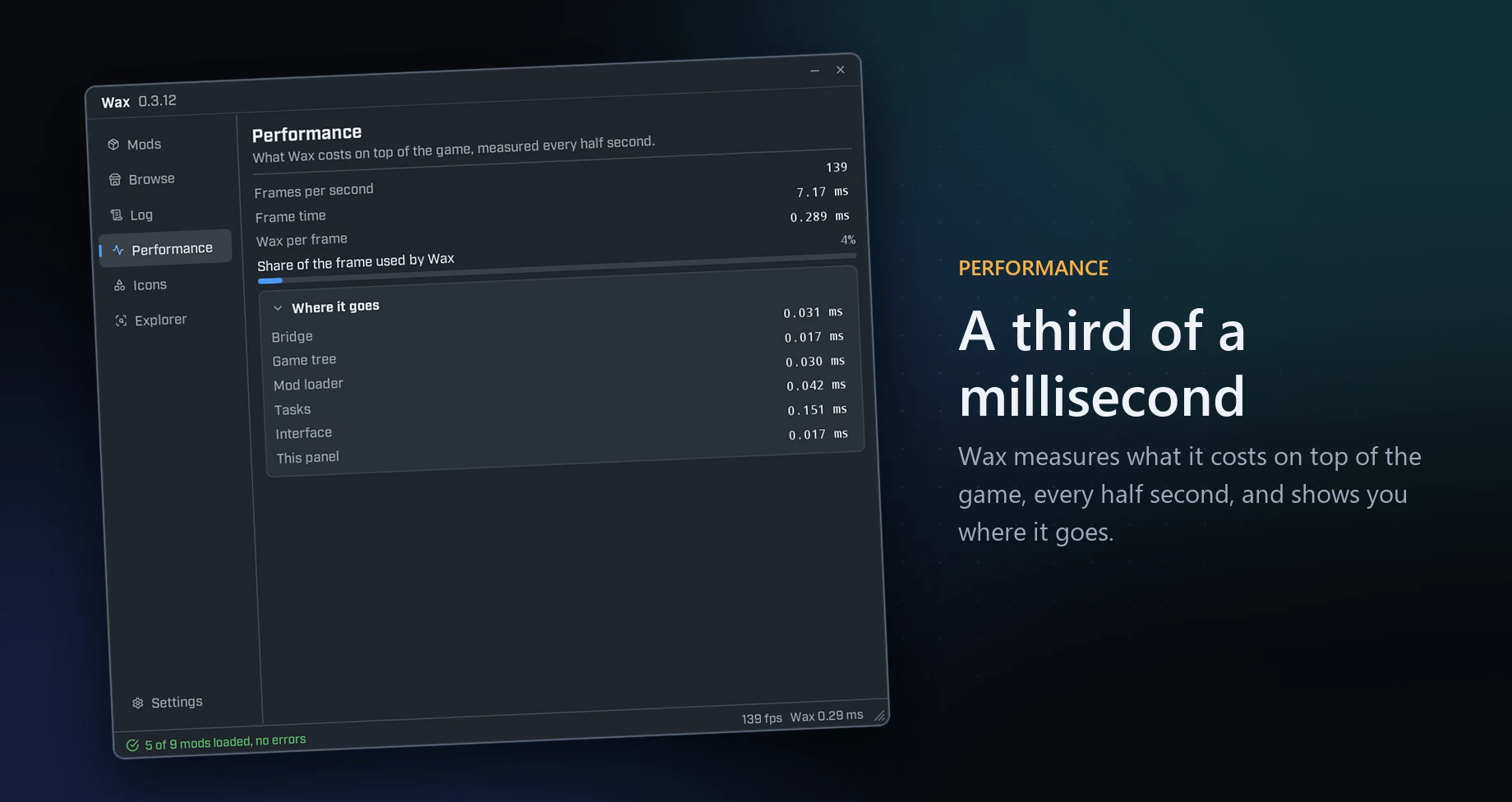
It lists your mods and shows the log, errors and frame cost. It also runs a line of Lua.
Editor support
A VS Code extension with completion and a description for every Wax function.
Explorer
Search every function, event and type of Wax and of the game, and see how to write each one.
Mods
The catalogue of Wax mods. Read about a mod and add it to your game.
Icons
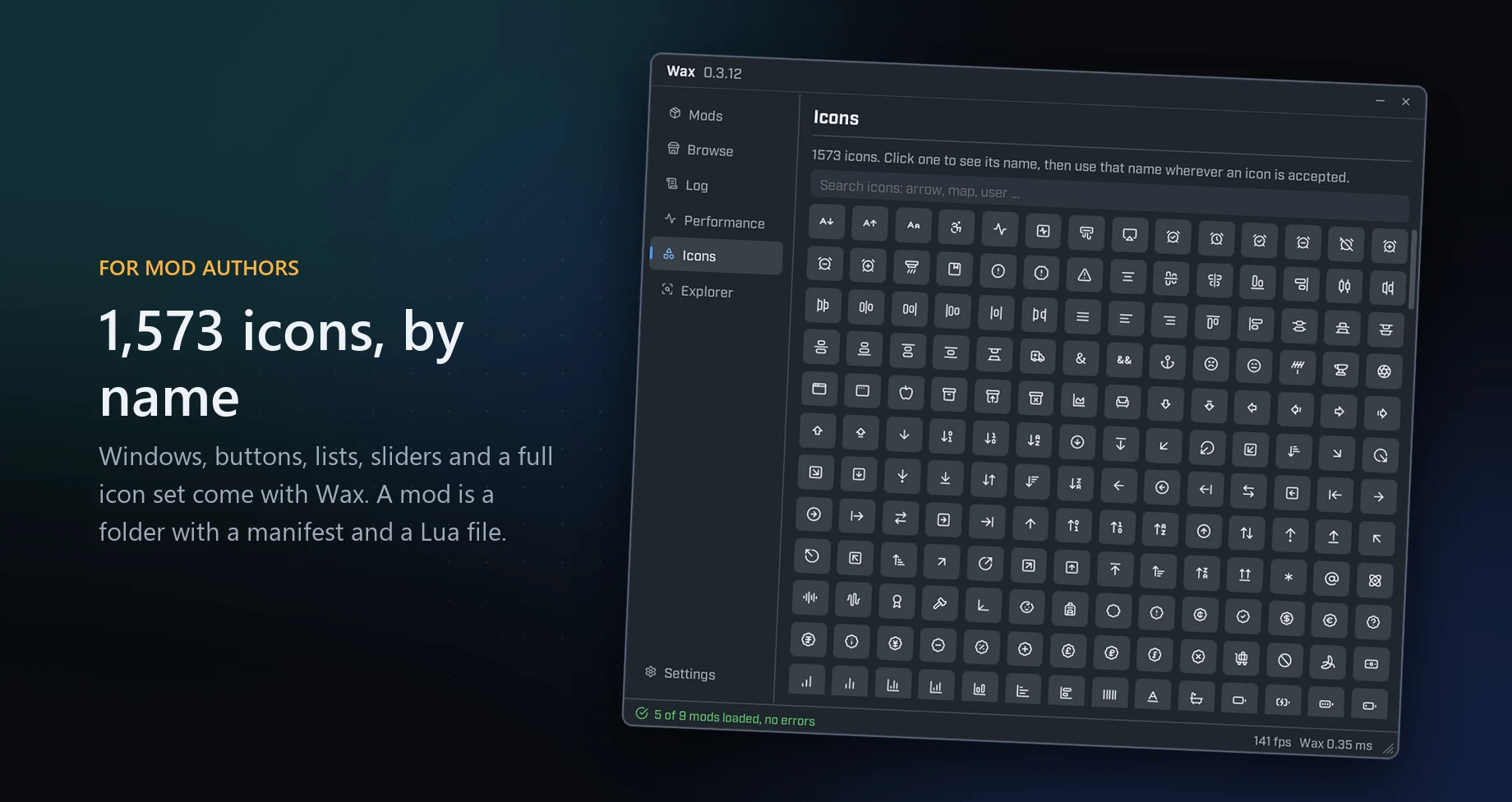
All 1,573 icons that come with Wax. Click one to copy its name.